

Half the people searching for an IPTV box in Canada are really asking a simpler question: do I even need one? The honest answer is no, you don’t need a box to use IPTV, but the right one makes everything smoother, faster, and easier for the rest of the household. The wrong one wastes $200 on features a $60 stick already does.
We’ve connected our service to every device category Canadians actually buy, from bargain sticks to enthusiast boxes, and this guide distills what we’ve learned: when a box beats a stick, which hardware tiers make sense at which budgets, what to check before paying, and how to get any of them streaming 25,000+ channels within an evening.
New to the technology entirely? Our complete IPTV Canada guide covers the basics; this page is about the hardware.
Do You Actually Need an IPTV Box?
IPTV is delivered over the internet to an app, and apps run on lots of things you may already own. A recent Samsung or LG Smart TV can run a player natively. Your phone and tablet already qualify. If any of those describe your setup, you can start watching tonight with zero new hardware; grab a free trial and test on what you have.
A dedicated IPTV box earns its place in three situations:
- Your TV is older or its app store is thin. Plenty of perfectly good Canadian TVs predate decent apps. A box modernizes them for less than a dinner out.
- You want speed and stability. Built-in TV processors are the cheapest part of the TV. A dedicated device changes channels faster, loads guides quicker, and crashes less.
- You watch a lot of live TV. Purpose-built IPTV boxes ship with remotes and interfaces designed around channels and guides rather than streaming-app tiles, and heavy live viewers feel the difference daily.
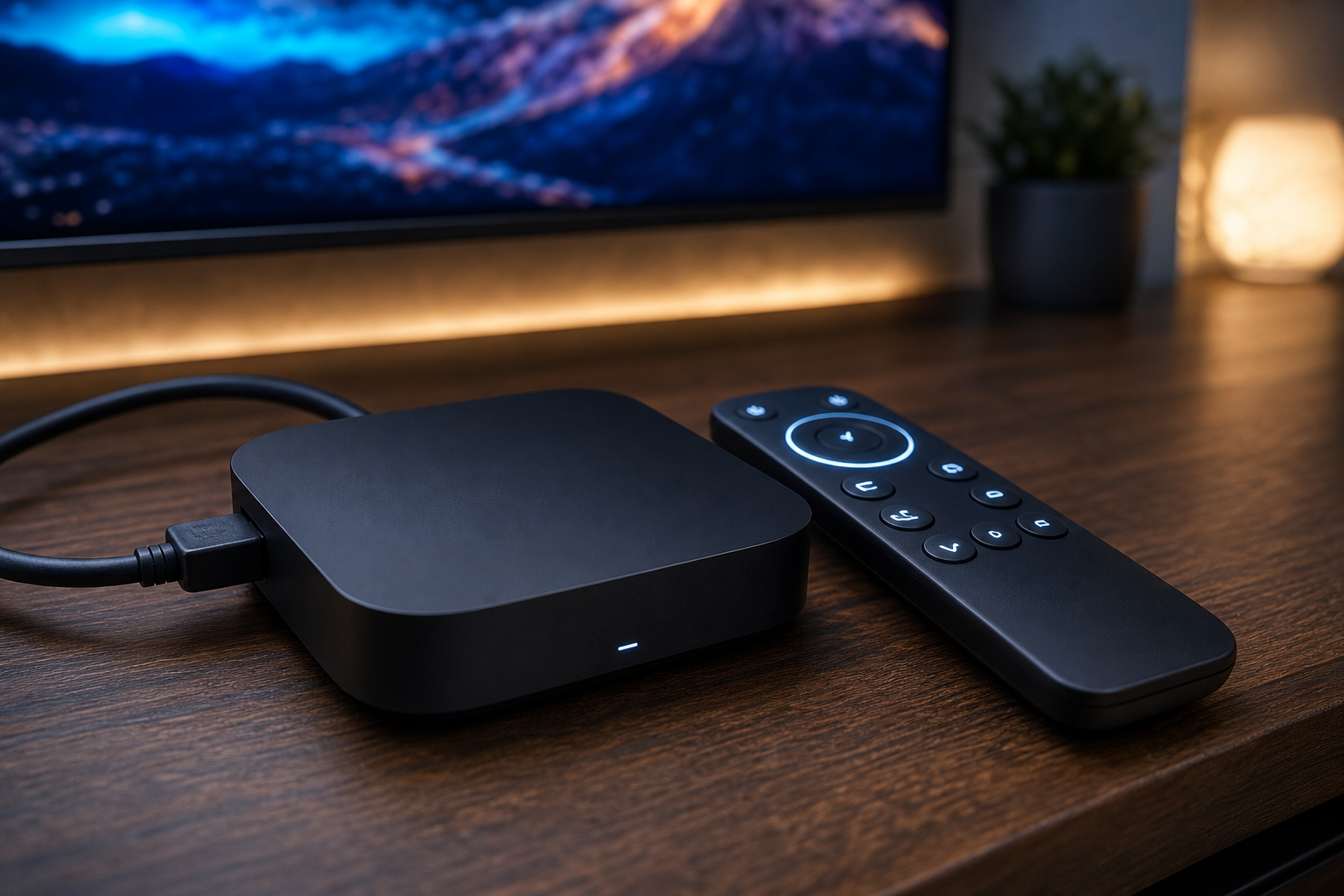
The Three Tiers of IPTV Box in Canada
Tier 1: Streaming Sticks ($40–$90): Right for Most People
The Amazon Fire TV Stick 4K and Google’s Chromecast-style sticks are technically not boxes, but they’re the correct answer for most households asking the box question. They plug into HDMI, hide behind the TV, run every major IPTV player app, and handle 4K streams without complaint. Canadian retailers discount them constantly; patience around sale events routinely saves $20–$30.
Limits worth knowing: modest storage (fine for two or three apps, cramped for a dozen), Wi-Fi only without an adapter, and remotes built for streaming apps rather than channel surfing. If those bite, move up a tier. Setup with our service takes about fifteen minutes; the Firestick guide walks every step.
Tier 2: Android TV Boxes ($100–$220): Power and Flexibility
A proper Android TV box adds what sticks lack: ethernet ports for rock-solid wired streaming, more memory so apps stay loaded, faster processors for instant channel zapping, and USB ports for storage. The Nvidia Shield remains the enthusiast benchmark, while Chromecast-with-Google-TV-style boxes and reputable mid-range Android boxes cover the sensible middle.
This tier suits households that stream several hours daily, want 4K without a hiccup, or sit far enough from the router that ethernet-over-powerline plus a wired box beats any Wi-Fi fix. One caution for Canadian buyers browsing marketplaces: an “Android box” from an unknown brand at a too-good price is often old hardware with an ancient OS. Stick to brands whose updates you can name.
Tier 3: Purpose-Built IPTV Boxes ($150–$300): For the Live TV Devotee
BuzzTV, Formuler, and similar brands build boxes specifically for IPTV: number pads on the remote for direct channel entry, guide buttons where your thumb expects them, interfaces that boot straight into live TV, and tuner-style features like quick recall of the last channel. For a household replacing decades of cable muscle memory, this tier feels most like home.
The trade-off is price and single-mindedness. They’re superb at live television and merely fine at everything else, and they cost stick money times three. Our take: worth it for the daily channel-surfer, overkill for the household that mostly watches on-demand.
IPTV Box Comparison for Canadian Buyers
| Option | Typical Price (CAD) | Best For | Watch Out For |
|---|---|---|---|
| Fire TV Stick 4K | $45–$90 | Most first-time IPTV homes | Wi-Fi only; small storage |
| Google TV stick/box | $40–$90 | Android ecosystem homes | Same stick limits |
| Nvidia Shield / premium Android box | $180–$220 | Heavy streamers, 4K perfectionists | Price |
| Mid-range Android TV box | $100–$150 | Wired stability on a budget | No-name brands with stale software |
| BuzzTV / Formuler class | $150–$300 | All-day live TV households | Costly; live-TV-first design |
| Apple TV 4K | $180–$240 | Apple households | Fewer IPTV player options |
Secure Payment
Visa, MC, PayPal, Interac
7-Day Money Back
Full refund, no questions
24/7 Support
Response within minutes
Canadian Service
13+ years in Canada
The IPTV Box to Never Buy: “Fully Loaded”
You’ll see them on marketplace listings across Canada: boxes promising every channel and movie forever, preloaded, no subscription needed. Skip them without a second look. The preloaded services die when the seller disappears, the boxes are usually outdated hardware with tampered software, and sellers of these devices have been the specific target of Canadian legal enforcement. The legality guide covers that history.
The sustainable pattern is boring and reliable: clean hardware from a real brand, an official player app, and a subscription from a provider that answers support messages. The hardware lasts years; the service stands behind it.
Setting Up Any IPTV Box With IPTV Canada
Whatever tier you chose, the path to watching is the same four steps:
- Connect and update. Plug into HDMI and (ideally) ethernet, let the box grab its system updates once, and sign into its app store.
- Install a player app. IPTV Smarters Pro is the universal starter; TiviMate is the Android power pick. Both are free to try; our Smarters setup guide covers the login step by step.
- Enter your subscription. Request your login from the 24-hour free trial or after choosing a plan; the welcome email contains the server URL, username, and password the app asks for.
- Build favourites and set the EPG to auto-update. Ten minutes here turns 25,000 channels into your familiar lineup: TSN, Sportsnet, CBC, the news channel you actually watch, and whatever else earns a pin.
If a stream stutters on the first evening, it’s nearly always network rather than box; the buffering guide sorts the usual suspects fast.
Ethernet, Wi-Fi, and the Canadian Router Reality
Whatever box you buy, its connection to your router matters more than its spec sheet. A mid-range box on ethernet will outperform a premium box on struggling Wi-Fi every single evening. If your TV sits near the router, use the cable and stop thinking about it. If it doesn’t, a $30–$40 ethernet-over-powerline kit turns any wall outlet into a network jack and beats every Wi-Fi extender we’ve seen customers try.
For stick users stuck on wireless, two free wins: connect to the 5 GHz band rather than 2.4 GHz, verify real speeds with a quick Speedtest.net run, and reboot the router monthly. Canadian cable internet also gets crowded between 7 and 10 p.m. in dense neighbourhoods; if streams dip only in prime time, that’s the street, not the stick, and wiring the main TV is the cure.
A note on timing your purchase: streaming hardware follows a predictable discount calendar in Canada. Sticks drop hardest around the big November sales and again in early summer, premium Android boxes see smaller but real cuts in the same windows, and purpose-built IPTV boxes discount rarely but hold value used. If your current setup works, waiting three weeks for a sale window is often a free $25. If the household is already fighting over a laggy TV tonight, the math of waiting never beats the peace of just fixing it.
Second-Hand Boxes: Smart Buy or Trap?
The used market is genuinely decent for one category: brand-name hardware someone outgrew. A second-hand Shield or Apple TV from a local seller at half price is a fine deal; factory-reset it, update it, and it’s as good as new for IPTV.
What to skip: any used box the seller describes as “already set up for you”, “loaded”, or “just plug and play with all channels”. That phrasing means someone else’s software choices, possibly someone else’s expired service, and occasionally worse. Hardware should arrive empty. Your subscription, your apps, your login; that combination you control end to end.
Life With an IPTV Box: The First Month
Week one is setup and slight over-exploration; everyone browses channels from countries they will never watch again. Week two is when favourites get honest and the guide starts opening to the same fifteen channels cable trained you on, now alongside the sports and international feeds cable never offered.
By week three the questions stop being about the box and start being about the plan: usually somebody in the house discovers the single-connection limit on a busy night. And by week four the cable box in the corner is unplugged, which is the moment the monthly math becomes real. That arc, more than any spec, is what you’re buying: a one-time gadget cost, then TV that costs less per month than a lunch.
Remote Controls: The Underrated Decider
Nobody puts the remote in a spec sheet, and it’s the part of an IPTV box your hands touch a thousand times a month. Stick remotes are minimal: fine for app-hopping, tedious for channel-surfing, and missing the number pad that lets a cable veteran punch in a channel from memory. Purpose-built IPTV box remotes go the other way: numbers, a dedicated guide key, last-channel recall, and buttons that map to how live TV is actually watched.
Our practical advice: if anyone in your household resisted cutting cable because “the remote won’t feel right”, that person is the reason the BuzzTV tier exists, and their happiness is worth the difference in price. Everyone else adapts to a stick remote within a week and never thinks about it again.
The Ownership Math Cable Never Offered
Here’s a number cable customers rarely compute: box rental. Two rented receivers at $10–$15 each add $240–$360 a year, forever, for hardware you’ll never own. An IPTV box is bought once. Even the premium $220 tier costs less than one year of renting two cable boxes, and the $60 stick pays for itself against rental fees in under three months.
Stack that against the subscription itself, from CA$4.92/mo on our annual plan, and the total first-year cost of a two-TV IPTV setup, hardware included, typically lands below what cable charges for two months. Every year after that, the hardware is free and the gap widens. That’s the quiet financial logic behind every “why didn’t we do this sooner” message our support team receives.
Renters, Cottages, and the Box That Moves With You
A last advantage worth naming: portability. A cable box is married to an address; an IPTV box is married to nothing. Take the stick to the cottage for the summer and the playoffs come along. Move apartments and your TV setup is a backpack item, not a service call. Snowbirds pack a Firestick beside their passports and watch their Canadian lineup from the rental in Florida.
For renters especially, this flips the old logic: instead of TV service being a utility you re-negotiate with every move, it becomes a possession you carry, with the subscription riding on whatever internet the new place has. One login, any address, no installer appointment. It’s a small freedom that ends up mattering more than the spec sheet ever did.
Matching the Box to the Right Plan
Hardware and subscription decisions interact more than people expect. A single stick in a one-TV apartment pairs naturally with a single-connection plan. A box in the living room plus a stick in the bedroom wants a two-connection plan so both can play at once. And a family spreading across three floors should price a multi-connection plan against the pain of stream-stealing; at plans starting from CA$4.92/mo on the annual option, the math stays gentle either way. Current tiers live on the pricing page, and our provider comparison shows how the service stacks up against the field before you commit anything.
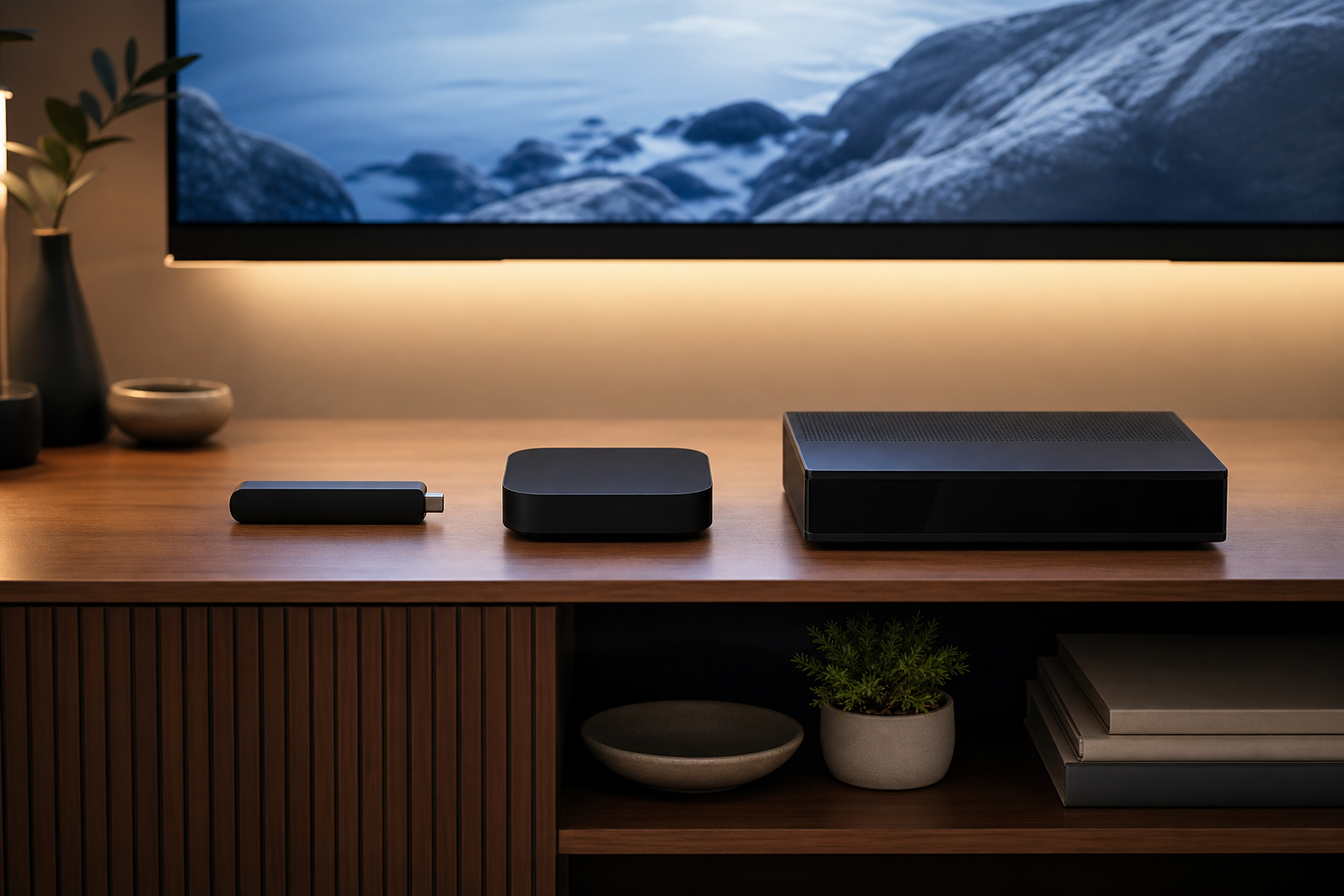
Our Straight Recommendations
- Just getting started, normal household: Fire TV Stick 4K. Cheap, capable, easy. Upgrade later only if you feel a specific limit.
- Serious daily streaming, wired internet available: a premium Android box. The ethernet port alone justifies it in busy Wi-Fi neighbourhoods.
- Cable refugee who lives on live channels: a BuzzTV or Formuler class box. The remote alone will make the switch feel painless.
- Apple-everything home: Apple TV 4K works well; just accept a smaller pool of player apps.
- Already own a decent Smart TV: try the free trial on it first. Spend the box budget only if the built-in experience annoys you.
And if you’re still torn after all of this, default to the simplest rule we know: buy the cheapest device that removes your specific annoyance, and put the savings toward the longer subscription term. Hardware ages; the plan is where the everyday value lives. An IPTV box should solve a problem you can name, and if you can’t name one yet, your current screen plus a free trial will name it for you within a week.
Whichever tier wins your budget, the finish line is identical: an evening where the family watches what they always watched, on a screen that responds faster than the old cable box did, with a bill nobody dreads opening.
Do I need an IPTV box to use IPTV in Canada?
No. Any recent Smart TV, Firestick, phone, tablet, or computer runs IPTV through a free player app. A dedicated box adds speed, stability, and a live-TV-first remote, which heavy viewers appreciate, but it is an upgrade, not a requirement.
What is the best IPTV box for most Canadians?
The Fire TV Stick 4K is the right starting point for most homes: cheap, capable, and runs every major player app. Daily heavy streamers should consider a premium Android box for its ethernet port; all-day live-TV households love BuzzTV and Formuler class devices.
Are “fully loaded” IPTV boxes legal in Canada?
Selling preloaded boxes promising free TV forever has been the target of Canadian enforcement, and the services behind them die without warning. Buy clean hardware from a real brand and add your own subscription instead.
What internet speed does an IPTV box need?
About 20 Mbps of free bandwidth per HD stream and 25+ Mbps for 4K. A wired ethernet connection matters more than raw speed; boxes with ethernet ports are the most stable option in busy Wi-Fi neighbourhoods.
Will one subscription work on my box and my phone?
Yes. Your IPTV Canada login installs on any number of devices; the plan’s connection count only limits how many stream at the same time. Multi-connection plans cover multi-screen households.
Bottom Line on IPTV Boxes in Canada
The box is the easy half of the equation, and it’s replaceable; the service behind it decides whether Saturday’s game actually plays. Pick hardware from the tier that matches how much live TV you really watch, avoid anything “fully loaded”, and test the combination with a free trial before spending on either half. From there, an IPTV box plus a dependable subscription replaces the cable stack for a fraction of the monthly bill, on hardware you own outright.