
Search for a way to watch IPTV in Canada and one app name comes up before any other: IPTV Smarters Pro. It’s free, it runs on practically every screen sold in this country, and it’s the app we set up for more new customers than every alternative combined. It’s also the source of most first-day confusion, because the login screen asks for things nobody explains.
This guide fixes that. Below is the exact IPTV Smarters Pro setup we walk Canadian customers through every day at IPTV Canada: where to download it on each device, what to type into every field, the settings worth changing immediately, and the fixes for the errors that generate 90% of our support chats. Twenty minutes from now, your 25,000+ channels will be organized and playing.
No subscription yet? The app is an empty shell without one. Grab a free IPTV trial first so you have credentials to enter, or compare options in our best IPTV Canada roundup.
What Exactly Is IPTV Smarters Pro?
IPTV Smarters Pro is a player application, nothing more. Think of it like a web browser: the browser doesn’t come with websites, and Smarters doesn’t come with channels. You supply a subscription from a provider such as IPTV Canada, the app supplies the interface: live TV with a program guide, a movies section, a series section, and catch-up where your provider supports it.
That distinction matters legally and practically. The app itself sits openly on the Amazon Appstore, Google Play, and Apple’s App Store because it’s neutral software. Everything you watch through it comes from whatever service you connect, which is why choosing the provider is the decision that actually matters. The full legal picture for Canadians is covered in our IPTV legality guide.
Before You Start: The Three Things You Need
- Your Xtream Codes login. Three pieces: a server URL, a username, and a password. At IPTV Canada these arrive in your welcome email within the hour after you order (or instantly with the trial). Keep that email open on your phone during setup.
- A device with the app store you can reach. Firestick, Android box, Smart TV, phone, tablet, or computer. Device-specific quirks are covered below.
- Internet that can carry the streams. 20 Mbps handles HD comfortably; 4K wants 25 Mbps or more per screen. If your Wi-Fi is questionable in the TV room, sort that first, because no app fixes weak signal.
Installing IPTV Smarters Pro on Every Canadian Device
Amazon Firestick and Fire TV
The most common setup in Canadian homes, and the one with a wrinkle: Smarters comes and goes from Amazon’s store depending on the week. If the store search finds “IPTV Smarters” or “Smarters Player Lite”, install it there and you’re done. If not, install the Downloader app from the store, punch in the official smarters download URL from the developer’s site, and sideload it. Either route takes under ten minutes; our Firestick setup guide has the click-by-click version with screenshots.
Android TV Boxes, Google TV, and Android Phones
Easiest of the bunch: open Google Play, search “IPTV Smarters Pro” (or use the official Play listing), install the one by the original developer, done. This covers Nvidia Shield, Chromecast with Google TV, BuzzTV and Formuler boxes, and every Android phone and tablet.
Samsung and LG Smart TVs
Search the Tizen or webOS app store for “IPTV Smarters”; availability varies by TV model year and region. If your TV can’t find it, you have two good options: a Smarters-compatible sibling app from the same store, or a $50 Firestick in the TV’s HDMI port, which honestly outperforms most built-in TV apps anyway. We compare that trade-off in our smart TV coverage below.
iPhone, iPad, and Apple TV
Grab “IPTV Smarters” from the App Store (the iOS build is called IPTV Smarters Player on some regions’ stores). Same login flow as everywhere else. AirPlay works for pushing the picture to an Apple TV or AirPlay-compatible television.
Windows and Mac
The developer ships desktop builds of IPTV Smarters Pro for both platforms. Useful for a home office second screen, or for testing your login quickly before you walk to the living room.
The Login Screen, Field by Field
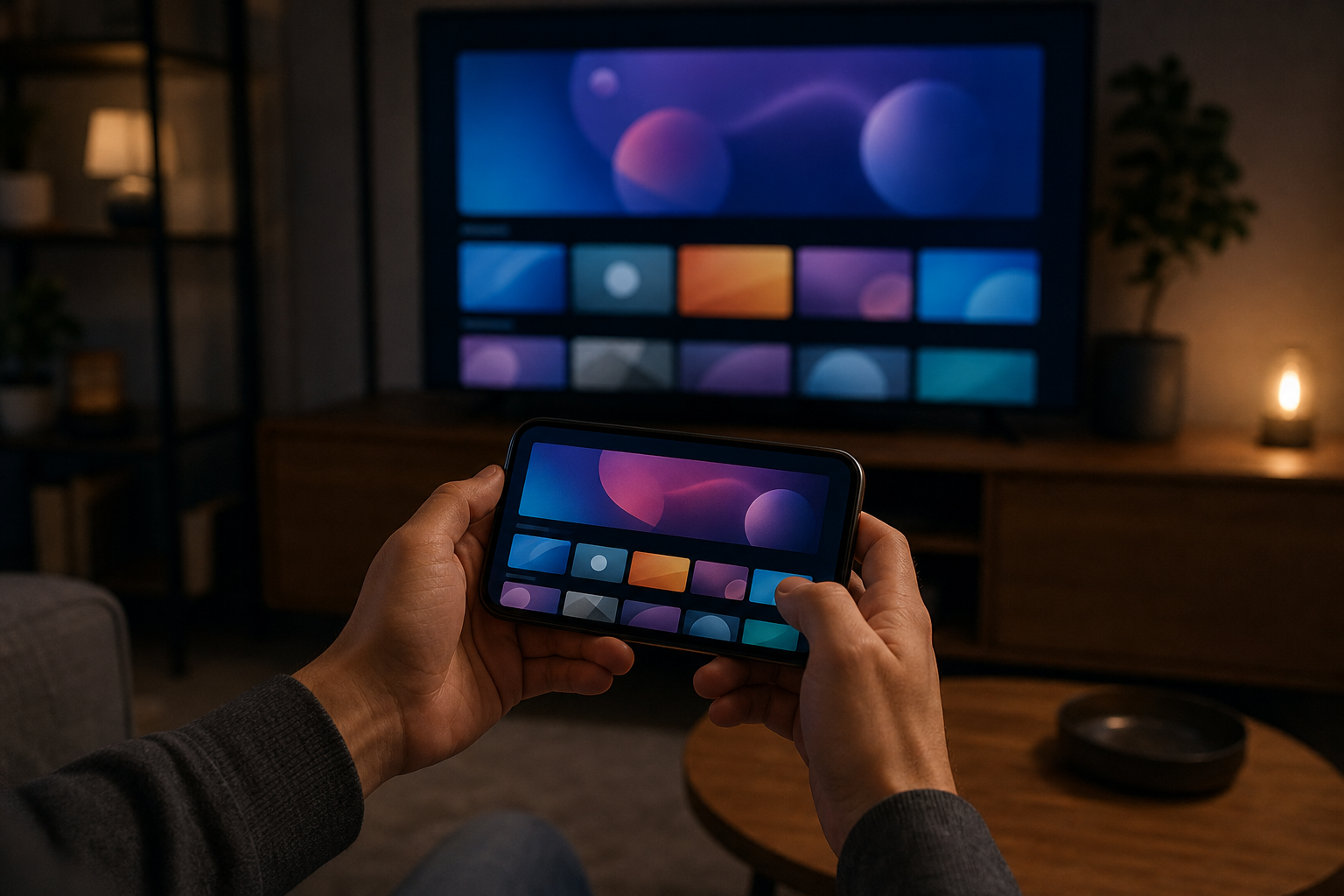
Open the app, accept the terms, and choose “Login with Xtream Codes API”. This is the step where people stall, so here is exactly what goes where:
- Name: anything you like. “Living Room” or “IPTV Canada” works; it’s just a label for this playlist.
- Username: copy it exactly from your welcome email. It is case-sensitive.
- Password: same rule. A hand-typed lowercase L that should be a capital I causes more failed logins than anything else we see.
- Server URL: the full address from the email, including the http:// part and the port number at the end. Miss the port and the app cannot connect.
Tap Add User. The app pulls your channel list, movie library, and EPG; on a 25,000-channel lineup the first sync takes a minute or two. When the home screen shows Live TV, Movies, and Series tiles with counts beside them, you’re connected.
Five Settings to Change on Day One
- EPG auto-refresh. Settings → EPG → set automatic daily updates. A guide that stops updating looks like a broken service; it’s just a stale file.
- Hardware decoder. Settings → Player Settings → choose hardware decoding. Smoother playback and a cooler Firestick.
- Time format and zone. Set your local Canadian time zone so the guide lines up with reality; nothing feels more broken than hockey listed an hour off.
- Parental lock. Settings → Parental Control → set a PIN and lock adult categories if kids share the remote.
- Favourites. Long-press any channel → add to favourites. Pin your ten real channels (TSN, Sportsnet, CBC, your news, your movies) and the app transforms from overwhelming to personal.
Using IPTV Smarters Pro Day to Day
A few things new users find late that they wish they’d known on day one. The EPG button on the live player opens a full timeline guide, which beats flipping channels blind. The search icon searches everything at once: channels, movies, and series. Catch-up (where the provider enables it) shows as a small clock icon on supported channels, letting you replay earlier programming. And multi-screen mode on tablets splits the display into up to four simultaneous streams, which during playoffs is either brilliant or dangerous depending on your household.
Speaking of streams: how many screens can play at once is a property of your subscription, not the app. IPTV Canada plans support multiple connections if you choose that option at checkout; see current pricing for the single and multi-device tiers, which start at CA$4.92/mo on the annual plan.
Smarters Pro vs Smarters Lite vs the Look-Alikes
The naming situation confuses everyone, so here’s the decoder. IPTV Smarters Pro is the full application from the original developer. Smarters Player Lite is the same developer’s slimmed build, published mainly to keep a foothold on stores with stricter rules; it lacks a few extras but logs in identically, and on some Firesticks it’s the only official version available. If you end up on Lite, nothing in this guide changes.
Then there are the look-alikes: apps with nearly identical names and icons, stuffed with aggressive ads, uploaded by developers you’ve never heard of. Before installing anything called Smarters, glance at the developer name and the review count. The genuine builds have millions of installs; a clone with four hundred downloads and five-star reviews written in one afternoon is not where your login belongs. When in doubt, ask our support for the current official link for your device; it changes occasionally and we track it so you don’t have to.
Adding a Second Device Without Breaking the First
Your IPTV Smarters Pro login isn’t married to one device. Install the app on the bedroom TV, the phone, and the tablet, and enter the same three credentials on each; they all pull the identical channel list and favourites are stored per device, so everyone can pin their own.
The only limit is simultaneous streams. A single-connection plan means one device playing at a time; start a stream on the tablet while the TV is running and one of them loses. Multi-connection plans lift that ceiling to two, three, or more concurrent screens. If your household regularly hits the wall, upgrading the connection count at renewal costs far less than a second subscription, and support can even adjust mid-term. Households comparing plan shapes should skim the options on the pricing page before playoff season makes the single-stream limit feel personal.
What a Week With Smarters Looks Like in a Canadian Home
To make this concrete, here’s the rhythm we hear from customers once the setup dust settles. Weekday mornings start on a favourited news row: CP24 or CTV News while the coffee brews, one click from the app’s home screen. Evenings belong to the guide button, browsing prime time across Canadian, US, and international channels the way cable trained us to, except the lineup is ten times deeper.
Saturday is the stress test: Hockey Night in Canada on the main TV while a second connection carries a movie upstairs. Sunday afternoons drift to the Series section, where the on-demand library quietly replaces two streaming subscriptions. Within a couple of weeks the app stops being a project and becomes furniture, which is the entire goal. The 20 minutes you spend on favourites and settings today buys months of not thinking about any of this.
Fixing the Five Most Common Smarters Problems
“Authentication failed” or endless spinning at login
Almost always a typo. Re-copy the three fields from your welcome email character by character, watch for stray spaces at the end of pasted text, and confirm the server URL includes its port. Still stuck? Your subscription may have expired or the credentials may be active on too many devices; message support and we’ll see the state of your line instantly.
Channels play but stutter or buffer
That’s a network symptom, not a Smarters symptom. Wired ethernet beats Wi-Fi, 5 GHz beats 2.4 GHz, and evening congestion on cable internet explains stutters that vanish at noon. Work through our buffering fix guide; it resolves the overwhelming majority of cases in minutes.
Guide is empty or shows wrong times
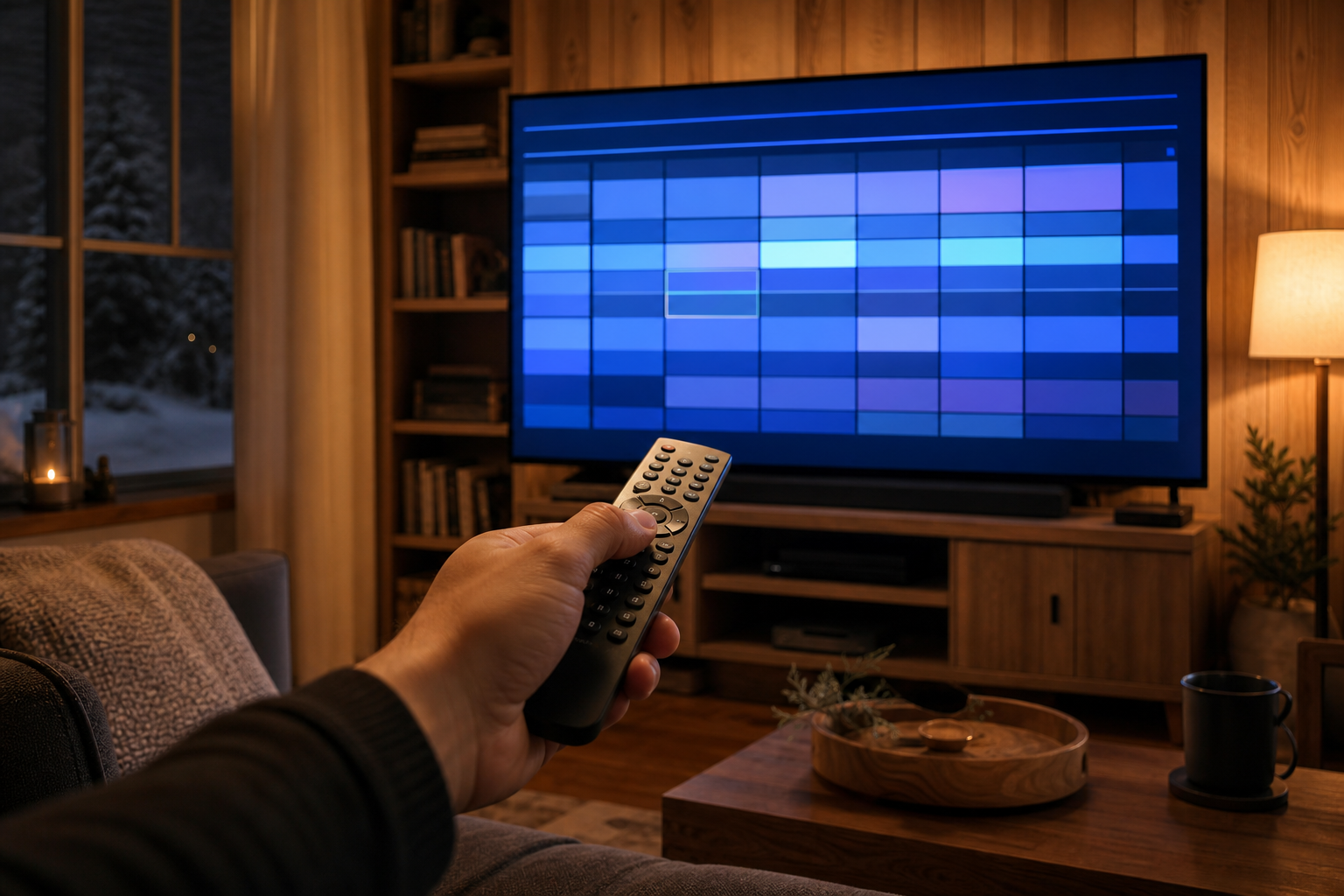
Settings → EPG → refresh manually once, then set the auto-update. Wrong times mean the time zone setting doesn’t match your location. Both are two-tap fixes.
App crashes or freezes on a Firestick
Firesticks are small computers with small memories. Settings → Applications → IPTV Smarters → clear cache (not clear data, which logs you out). If crashes persist, restart the stick itself; a Firestick that hasn’t rebooted since Christmas is a Firestick that needs a reboot.
One specific channel won’t play while others work
Report it. Individual feeds fail sometimes at every provider; what separates good service is how fast they’re fixed. Our team monitors the lineup around the clock, and a live-chat message with the channel name usually gets it restored quickly, often before the show you wanted has ended.
Is Smarters the Right App for You?
Honest answer: it’s the right first app for almost everyone, and the right forever app for most. Its strengths are being free, running everywhere, and never surprising you. Power users on Android boxes sometimes graduate to TiviMate for its faster guide, and Samsung or LG owners sometimes prefer a purpose-built TV app. The good news is that your IPTV Canada login works in all of them, so switching apps later costs nothing but ten minutes. Start with Smarters, learn what you value, then experiment if you’re curious.
Secure Payment
Visa, MC, PayPal, Interac
7-Day Money Back
Full refund, no questions
24/7 Support
Response within minutes
Canadian Service
13+ years in Canada
Your First 24 Hours: The IPTV Smarters Pro Checklist
Everything above, compressed into the sequence we’d run in your living room. Hour one: install the app from your device’s official store, log in with the three fields from your welcome email, and let the guide finish its first sync before judging anything. Hour two: the five settings, especially EPG auto-refresh and your time zone, then build the favourites row that turns the full lineup into your household’s dozen channels.
That evening: watch normally, and deliberately include one prime-time hour, because that’s when weak services show themselves and good ones prove out. Flip channels quickly for a minute to feel the switching speed. Open the guide and confirm listings match what’s playing. If you’re on the trial, this single evening is your entire evaluation; IPTV Smarters Pro will behave identically on the paid plan because it’s the same service through the same app.
Next morning: check that the guide refreshed itself overnight. If it did, your setup is done and will stay done; the app needs essentially zero maintenance from here. If anything on this page didn’t go to script, that’s what the live chat is for, and it’s staffed by people who run this exact setup hundreds of times a month.
One last reassurance for the switchers: nothing in this setup is permanent or fragile. The app is free, the login is three lines you can re-enter anywhere in two minutes, and your favourites take ten minutes to rebuild on any new device. IPTV Smarters Pro earns its place as Canada’s default player precisely because the worst-case scenario at every step is “start the ten-minute setup again”. Low stakes, high ceiling, and 25,000 channels on the other side of one login screen.
Is IPTV Smarters Pro free?
Yes. The app itself is free on the official stores, with optional paid versions on some platforms. What it plays comes from your IPTV subscription, which is a separate purchase from a provider.
Does IPTV Smarters Pro come with channels?
No. It is a player only. You connect a subscription from a provider like IPTV Canada, and the app displays that lineup with a guide, movies, and series sections.
Why can’t I find the app in my store?
Availability shifts, especially on Amazon and Samsung stores. Look for Smarters Player Lite by the same developer, sideload via the Downloader app on Firestick, or ask our support for the current official link for your device.
What login details do I need?
Three items sent in your welcome email: server URL, username, and password, entered under “Login with Xtream Codes API”. Copy them exactly, including the port number in the URL.
Can I use one login on several devices?
Yes, install anywhere and sign in with the same credentials. Simultaneous playback is limited by your plan’s connection count, upgradeable any time via support.
Is TiviMate better than IPTV Smarters Pro?
TiviMate has a faster guide on Android devices but costs a small yearly fee for its best features and skips iPhone and Samsung/LG TVs. Smarters is free and runs everywhere, which is why it is the best first app; your login works in both.
Ready to Watch?
IPTV Smarters Pro plus a solid Canadian provider is the shortest path from curiosity to watching everything for a fraction of a cable bill. Install the app for your device above, request the free trial, enter your three login details, and spend the evening exploring 25,000+ channels. If anything snags, our support chat answers day and night, and the five fixes above cover nearly everything that ever goes wrong.